
A manual medical schedule carries an enormous hidden cost. Every appointment booked over WhatsApp involves several back-and-forth messages, a confirmation, logging it in the system and then a manual reminder the day before. Multiplied across 30 or 40 appointments a day, the accumulated time is significant — and all that time is time your staff isn't spending on the things only they can do.
The good news: automating a medical schedule is simpler than it seems, and it doesn't require changing the system you already use.
What does automating a medical schedule mean?
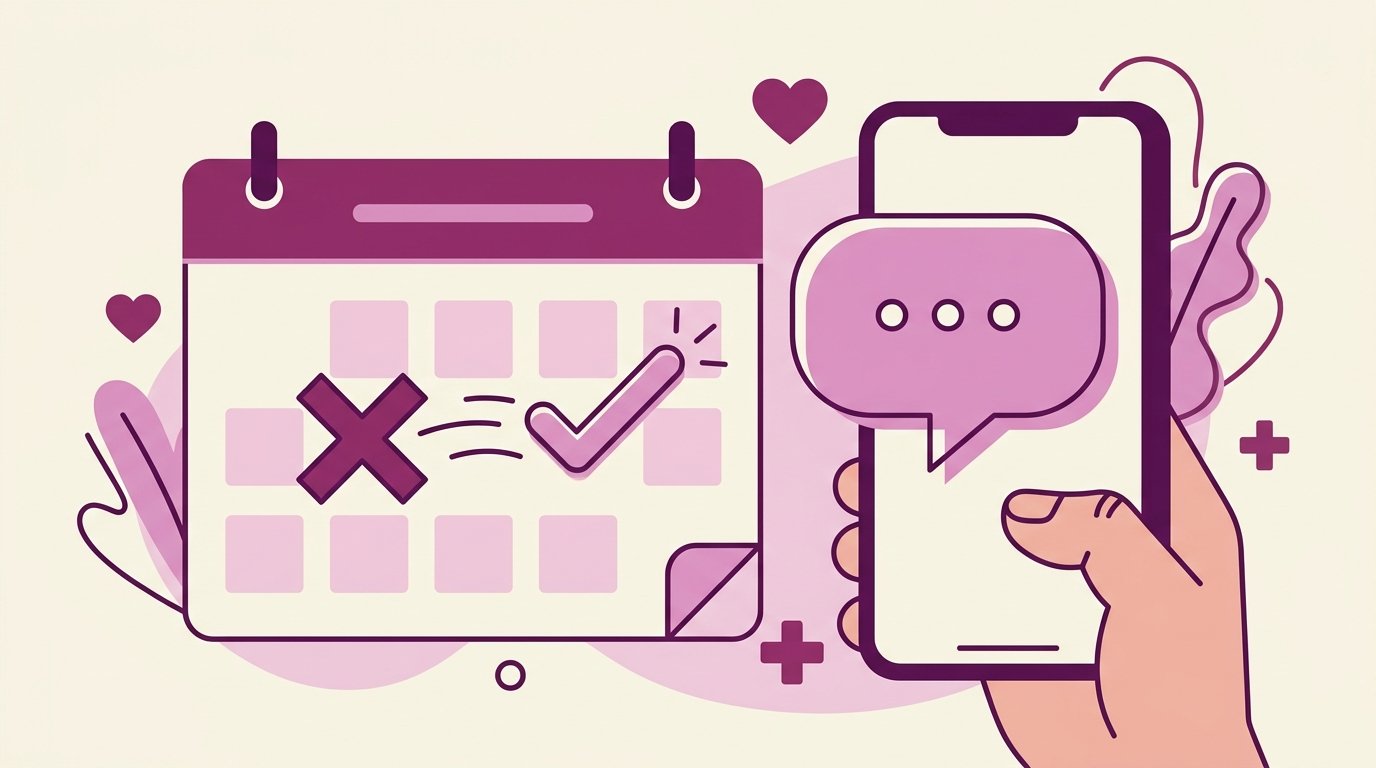
Automating a medical schedule means the process of booking, confirming, reminding and managing appointment changes happens without someone at your clinic having to step in at each stage. The patient writes on WhatsApp, the system checks availability, confirms the appointment, logs it in the calendar and sends a reminder 24 hours before — all automatically.
The 5 steps to automate your medical schedule
Audit your current process
Map every step of your current booking process. How does the patient reach out? Who replies? Where is the appointment logged? How is the reminder sent? This audit reveals where time is lost and where errors happen.
Choose and organize your calendar system
Google Calendar is the most common option and the one that integrates best with the AI assistants available for clinics in Panama. If you already use it, you don't need to change anything. If you use a different system, check whether it offers an API for integration.
Set up available hours clearly
Define in your calendar the available time blocks for each doctor or specialty. The clearer the calendar, the better the automation works. Include: the duration of each type of visit, time blocks for emergencies and special hours.
Connect the AI assistant to WhatsApp and the calendar
An assistant like NahIA connects to your WhatsApp Business number and your Google Calendar. When a patient writes to book, the assistant checks real availability, offers concrete time slots and creates the appointment directly in the calendar upon confirmation.
Define the rules for escalating to the human team
Not everything should be 100% automated. Define when the assistant should hand the conversation to a person: urgent cases, patients who explicitly ask, complex situations that require medical judgment.
Typical result: scheduling automation takes most of the repetitive work off the front desk — confirming, reminding, rescheduling — within the first few weeks. The time freed up shows first in face-to-face care, before it shows in any metric.
What does the assistant do automatically?
- Receives the patient's request and extracts the key information (type of visit, time preference).
- Checks real availability in Google Calendar in real time.
- Offers 2-3 available time options.
- Confirms the patient's details (name, phone, reason for the visit).
- Creates the event in Google Calendar with all the details.
- Sends confirmation by WhatsApp and, if the patient has email, by email too.
- Sends an automatic reminder 24 hours ahead with the option to confirm, reschedule or cancel.
- Updates the calendar based on the patient's reply.
How long does it take to implement?
With NahIA, full implementation takes 48 hours. The process includes:
- Day 1 (morning): onboarding call to gather the clinic's information and configure the flow.
- Day 1 (afternoon): technical setup of the assistant and connection to WhatsApp and Google Calendar.
- Day 2: testing with the clinic's team and final adjustments.
- Day 2 (afternoon): go live in production.
How much does it cost?
The cost of NahIA is significantly lower than the salary of an additional receptionist. Check the pricing plans available for clinics in Panama.
Medical schedule automation, explained in one paragraph
Medical schedule automation is the use of a system connected to WhatsApp and the clinic's calendar to book, confirm, remind and reschedule appointments without manual staff intervention. When a patient writes, the system interprets the request, checks the doctor's real availability, offers concrete time slots, creates the appointment in the calendar and sends an instant confirmation. Before the visit, it sends automatic reminders with options to confirm, reschedule or cancel, and updates the calendar based on the patient's reply. Its goal is twofold: freeing staff from a repetitive process that eats up hours every day, and reducing no-shows, the biggest revenue leak of a poorly managed schedule. It doesn't replace human judgment: urgent or complex cases are handed to a team member according to rules the clinic itself defines.
The real cost of missed appointments
No-shows are not a minor problem. In the United States, missed medical appointments cost the healthcare system around $150 billion a year, and each slot left empty represents on average 60 minutes and $200 lost for the physician. The same analysis points at the root of the problem: 88% of appointments are still booked by phone and only 2.4% are booked by the patient directly, even though 77% of patients say being able to book, change or cancel online matters to them.
The scale in Panama is different, but the proportions repeat. A study of 10 hospitals that tracked appointments for over a decade found a mean no-show rate of 18.8%, with an average cost of $196 per missed appointment. Translated to a practice with 40 weekly appointments: if 6 or 7 patients don't show up, those calendar blocks are rarely recovered the same day.
How much do automatic reminders reduce no-shows?
This is the best-documented part of the whole automation case. A meta-analysis that reviewed 21 studies with more than 16,000 patients found that people who receive text notifications are 23% more likely to attend their appointment and 25% less likely to no-show than those who receive none.
The same analysis found a detail that matters if you're evaluating automation: sending multiple reminders improves attendance considerably more than sending a single one. Doing that by hand, for every patient and every appointment, is exactly the kind of task staff drop during busy weeks. An automated system does it every time, without exception, and logs the patient's reply so the calendar reflects reality.
The key point: the reminder isn't a courtesy extra, it's the piece of the automation with the most direct return. Every avoided no-show is a billed visit that used to be lost.
Signs your clinic already needs schedule automation
- Staff spend more than an hour a day coordinating appointments over WhatsApp or phone.
- Reminders go out "when there's time," not systematically.
- Patients who write after hours get no reply until the next day.
- Nobody knows for sure what last month's no-show rate was.
- Rescheduling one appointment means deleting, rewriting and notifying by hand in two or three different places.
If two or more of these sound familiar, the manual process is already costing you more than the tool. See how the full flow works on the NahIA services page for clinics and practices in Panama.
Frequently asked questions
What does automating a medical schedule mean?
That the patient books, confirms, reschedules or cancels on their own from WhatsApp, against the calendar's real availability, without anyone at the front desk having to step in.
Does it integrate with the scheduling software I already use?
Yes. The integration is two-way with Google Calendar and with the clinic's scheduling software: what gets booked over WhatsApp shows up in your calendar, and what you book blocks the slot in the assistant.
What if the patient needs to talk to a person?
The assistant hands the conversation over with the full context, following the escalation rules the clinic itself defines: emergencies, clinical questions, complaints or anything that should not be automated.
How much does scheduling automation cost?
NahIA's plans start at $349 a month and WhatsApp, Instagram and Facebook from the entry plan. Onboarding is a separate one-time fee.