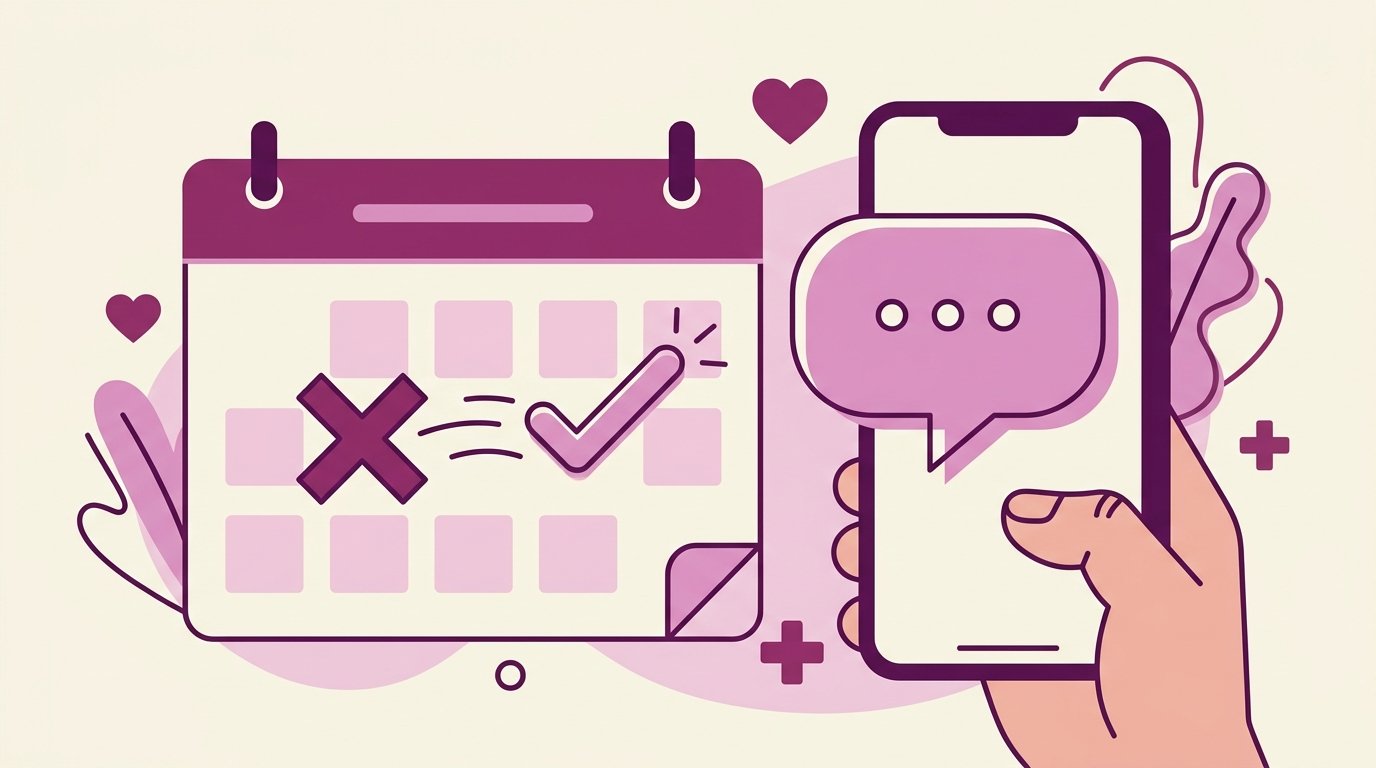
If your clinic can only put in place one automation tool this year, make it the automated appointment reminder. Its return is immediate, measurable and consistent.
The automated reminder 24 hours ahead is the measure with the best effort-to-result ratio: in the Brazilian trial cited above, no-shows fell from 24% to 8.5% with messages alone. Applied to a practice with 30 daily appointments and an $80 ticket, recovering even half of those no-shows is hundreds of dollars a day that used to simply vanish.
Why WhatsApp and not SMS or a phone call?
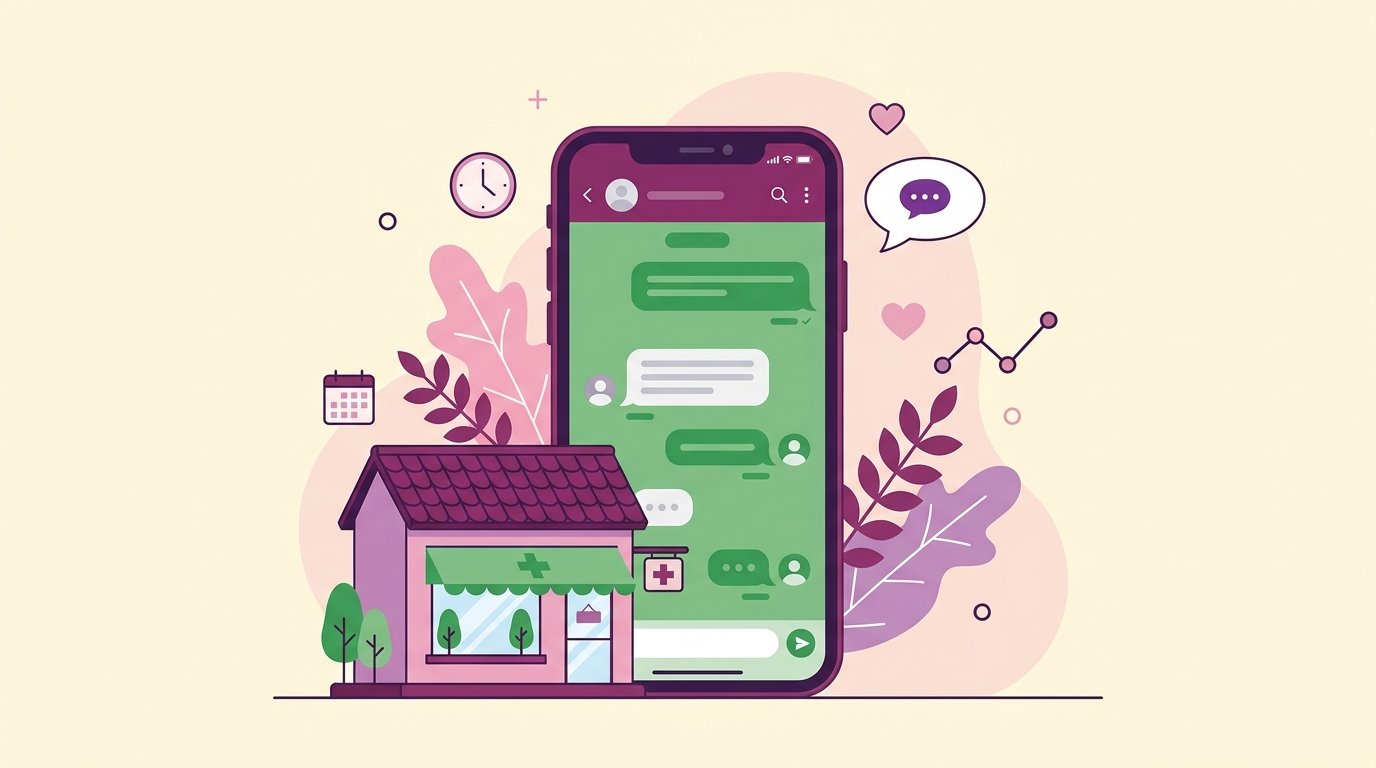
In Panama, WhatsApp is the dominant communication channel. SMS is often ignored and has a per-message cost. Phone calls have low pickup rates and take up staff time. WhatsApp offers:
- It gets read: it is the app where the patient already chats every day.
- The ability to include action buttons (confirm, reschedule, cancel).
- A two-way conversation if the patient has questions.
- No extra per-message cost (with the WhatsApp Business API).
When should you send the reminder?
The optimal moment to send the reminder is 24 hours before the appointment, between 9am and 11am. That window gives the patient time to:
- Rearrange their schedule if there's a conflict.
- Confirm their attendance comfortably.
- Cancel with enough notice for the clinic to reassign the slot.
Some visit types justify a second reminder 2 hours ahead (for example, procedures where the patient has to arrive fasting or with special prep).
What should an effective reminder include?
A WhatsApp appointment reminder should be:
- Personal: include the patient's name and the doctor's name.
- Concrete: date, time, address or a Google Maps link.
- Actionable: buttons to confirm, reschedule or cancel.
- Short: no more than 5 lines of text — the patient reads it in 10 seconds.
Example of an effective reminder:
"Hi María, a reminder of your appointment tomorrow with Dr. González:
📅 Tuesday, June 30 · 10:00 AM
📍 Dermavida Clinic, Punta Pacífica (Google Maps)
Will you be able to make it?
✅ Confirm · 🔄 Reschedule · ❌ Cancel"
Automation with NahIA: how it works
With NahIA, the reminder process is fully automatic:
- Every morning at 9am, NahIA checks your Google Calendar to identify all of the next day's appointments.
- For each appointment, it generates a personalized message with the patient's and the visit's details.
- It sends the message over WhatsApp to each patient.
- When the patient replies (confirm, reschedule or cancel), NahIA processes the response automatically.
- If the patient reschedules, NahIA checks availability and handles the change on the calendar.
- If the patient cancels, NahIA frees up the slot and notifies the team.
- Everything is logged automatically in the NahIA portal.
No manual work: the system runs every day, including weekends and holidays, without anyone on your team having to do a thing.
Special cases to handle
Patient doesn't reply to the reminder
Define a protocol: if the patient neither confirms nor cancels within the next 4 hours, the system can send a second, shorter message, or flag the appointment as "unconfirmed" so the team can decide whether to call.
Visits that require prep
For procedures like blood work (fasting), colonoscopies or imaging studies, include the prep instructions in the reminder — or send a separate prep message 48 hours ahead.
Last-minute cancellations
When there's a cancellation, NahIA can immediately notify waitlisted patients to offer the open slot, maximizing schedule occupancy.
What results do clinical studies back up?
The no-show reduction figures vendors report are supported by published clinical trials. Two results are especially useful when deciding.
Is an automated reminder as effective as a call from your staff? According to a randomized controlled trial with 6,450 patients at Geneva University Hospitals, yes. The group that received text message reminders had an 11.7% no-show rate, and the phone call group 10.2%, a difference with no statistical significance. The real difference was cost: the calls took up about 30% of one person's daily activity for six months and cost 8,910 euros, while the messages cost 230 euros over the same period. The authors' conclusion was that only the messages were cost-effective. For a small or mid-sized clinic in Panama, this means automating reminders doesn't sacrifice results compared with manual calls: it achieves the same attendance while freeing up front-desk hours every week.
And when the channel is specifically WhatsApp, the effect holds: a study of pediatric visits in Brazil, published in Revista Paulista de Pediatria, recorded a 24.0% absence rate among patients with no reminder versus 8.5% among those who received a message, the vast majority of them (97.2%) sent through WhatsApp.
Which metrics should you review every month?
Turning on reminders is the first step; the second is verifying they're working. Four metrics are enough:
- Delivery rate: what percentage of reminders reached the patient. If it's low, there are wrong phone numbers in your schedule.
- Response rate: how many patients confirmed, rescheduled or canceled. It's the best indicator that the message is read and understood.
- No-show rate: compare it against your baseline from before turning on reminders, not against last month.
- Recovered slots: appointments canceled with notice that you managed to reassign to another patient.
In the NahIA portal these conversations are logged automatically, so the monthly review takes minutes, not hours.
How do you calculate the return on automation?
The math is straightforward: multiply your monthly no-shows by your average ticket and apply the expected reduction. A clinic with 600 appointments a month and an 18% no-show rate loses 108 appointments; at an $80 ticket, that's $8,640 a month. A 30% reduction recovers about $2,590 every month, not counting the front-desk hours no longer spent on confirmation calls.
Weigh that amount against the monthly cost of the system. You can check NahIA's plans and pricing to run the math with your clinic's real numbers.
Rule of thumb: if the monthly cost of the tool is less than the value of two or three recovered appointments, the math works out from the first month.
Frequently asked questions
When should the appointment reminder go out?
Twenty-four hours ahead. That is the window that lets the patient reorganise and lets the clinic fill the slot if they cancel.
Is one reminder better than several?
The studies reviewed in this article point to several reminders working better than a single one, as long as they do not turn into spam for the patient.
What should an effective reminder include?
Date, time, practitioner, address or teleconsultation link, and a way to confirm, reschedule or cancel in one tap, without having to write or call.
Why WhatsApp rather than SMS or a phone call?
In the trial cited here, messages left no-shows at 8.5% against 11.9% for phone calls; on top of that, the calls took up about 30% of one person's working day for six months.