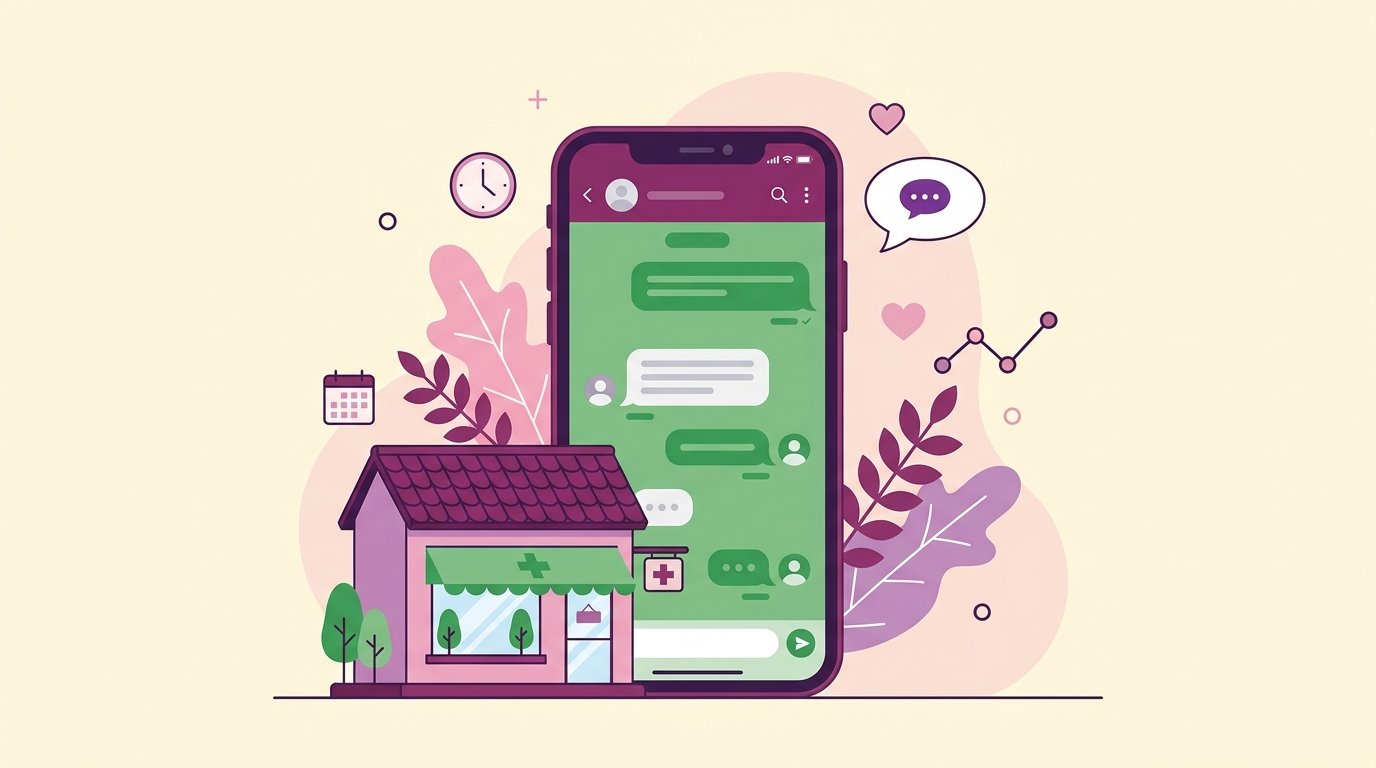
In Panama, WhatsApp isn't just a messaging app — it's how Panamanians communicate with everything, businesses and health services included. If your clinic doesn't have an active, organized presence on WhatsApp, you're losing patients to the ones that do.
This guide covers everything you need to know: the difference between WhatsApp Business and the API, how to set it up correctly, and how to automate patient support so you don't depend on someone being glued to a phone.
WhatsApp vs. WhatsApp Business vs. API: which one does your clinic need?
Personal WhatsApp
Using a team member's personal WhatsApp to handle patients is the most common mistake. It has no business features, it mixes personal and professional, and if that person leaves the clinic, you lose the access and the history.
WhatsApp Business (free app)
The WhatsApp Business app is free and built for small businesses. It lets you:
- Create a business profile with name, description, address and hours.
- Set up greeting messages and quick replies.
- Use labels to organize conversations (new patient, confirmed appointment, etc.).
- See basic message stats.
It's a good option for small clinics with low message volume and someone dedicated to replying.
WhatsApp Business API
The API is the version built to scale. It lets you connect WhatsApp to external systems (CRM, calendars, AI assistants) and automate entire conversations. It's what NahIA uses to manage appointments, reminders and follow-ups automatically.
Which to choose? If your clinic has more than 20 conversations a day or you want to automate booking, you need the API. If you're just starting out with fewer than 10 inquiries a day, the WhatsApp Business app is enough to get going.
Basic WhatsApp Business setup for clinics
1. A complete business profile
The profile is the first thing a patient sees. It should include:
- The clinic's name (exactly as it appears on Google).
- Category: "Doctor" or "Health & wellness."
- A short description of services (256 characters max).
- Physical address and a Google Maps link.
- Real business hours.
- Email and website.
2. Greeting message
It's sent automatically the first time someone writes in. An effective example:
"Hi! I'm the assistant for [your clinic's name]. We're glad to help. What can we do for you today? You can message us to: book an appointment, get information about our services, or any other question."
3. Away message
If you can't reply right away (outside hours or high volume), set up a message that tells the patient when they'll hear back and what they can do in the meantime.
4. Quick replies
Quick replies are shortcuts for frequent questions. Create shortcuts for:
- /hours — your business hours
- /location — address and directions
- /services — list of specialties
- /price — pricing information
AI automation: the next level
The WhatsApp Business app has a limit: it requires someone to read and reply to messages. For clinics with medium or high volume, that's unsustainable throughout the day and practically impossible outside office hours.
With the WhatsApp Business API connected to an AI assistant like NahIA, the clinic can:
- Answer any inquiry in under 5 seconds, 24 hours a day.
- Book appointments directly in Google Calendar with no human intervention.
- Send automatic reminders with options to confirm, reschedule or cancel.
- Handle multiple simultaneous conversations with no delays.
- Hand off to the human team when a case calls for it.
Metrics you should track
Once WhatsApp Business is set up, keep an eye on:
- First response time: aim for under 5 minutes during office hours.
- Lead → appointment conversion rate: how many inquiries end in a booking.
- Reminder open rate: with the API, you can track whether the message was read.
- Post-visit satisfaction: a short 1-question survey sent by WhatsApp.
Why WhatsApp and not another channel in Latin America?
If you're weighing WhatsApp against email, SMS or a clinic app of your own, the regional data settles the debate. In Latin America, WhatsApp doesn't compete with other channels: it dominates them. Industry analyses put its penetration at 85% of the population in Brazil and 80% in Argentina, with Colombia and Mexico around 75%. Panama follows the same usage pattern: for most patients, messaging a clinic on WhatsApp is as natural as calling, and considerably more convenient.
Adoption on the business side is moving just as fast. Meta confirmed in 2023 that the WhatsApp Business app had passed 200 million monthly active users, four times its 2020 figure. That means your patients are already used to handling things with businesses on this channel: asking for prices, confirming hours, sending documents. A clinic that handles WhatsApp well isn't innovating; it's meeting an expectation that already exists.
How much does WhatsApp Business cost for a clinic?
The WhatsApp Business app is free and enough for a small clinic with low message volume. The WhatsApp Business API works differently: Meta doesn't charge a flat monthly fee, but rather per template message, meaning the ones the clinic initiates (appointment reminders, confirmations, notices), with rates that vary by country and message category. Replying to a patient who wrote first, within the 24-hour service window, doesn't trigger that template cost. On top of Meta's charges comes the platform that connects the API to your operation: the software that books, reminds and replies. So when you compare options, always ask for the breakdown: how much goes to Meta, how much to the platform, and whether there are conversation limits. You can see how NahIA structures its plans on our pricing page.
Rule of thumb: if the total monthly cost of the API is lower than the appointments you're currently losing to unanswered messages or no-shows, the investment pays for itself. Run that math before deciding on price alone.
Common mistakes when rolling out WhatsApp at a clinic
These are the stumbles we see most often when a clinic in Panama activates WhatsApp Business for the first time:
- Publishing the number without deciding who replies: if nobody owns the channel, messages pile up and the patient feels ignored.
- Replying fast the first week and then dropping off: consistency matters more than initial speed. A channel that used to answer in minutes and now takes days does more damage than not having one.
- Recording nothing: if conversations never end up in the calendar or the patient's record, every future inquiry starts from zero.
- Automating with no human way out: every automated flow needs a clear path to reach a person. A bot with no escape hatch breeds frustration and complaints.
- Using a team member's personal number: when that person leaves, the history and the access leave with them.
None of these mistakes are technological: they're all process. Fixing them costs little and determines whether WhatsApp becomes your main acquisition channel or just another unattended inbox.
Frequently asked questions
Is WhatsApp Business free for clinics?
The app is free. The API has per-conversation costs — in Panama, roughly $0.02–$0.05 USD per customer-service conversation.
Can I use WhatsApp Business and regular WhatsApp on the same phone?
Yes, you can have both apps if you use a different phone number for each.
How do I automate WhatsApp at my clinic?
You need access to the WhatsApp Business API and to connect it to an AI assistant like NahIA, which handles replies, booking and reminders automatically.